
Blog
We write regularly on topics ranging from Tunnel 7 news to trends and best practices you will want to be aware of. Check back often!

Essential steps you’ll want to consider to keep your website in top shape (especially if you’re a busy business owner)
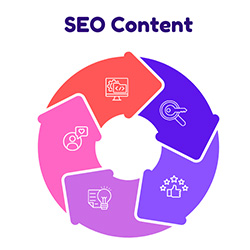
High-quality content has long been a mainstay of good SEO strategy. Read on for tips on how to do it well.

An overview of what you should know about AI and SEO.

Many of our clients & colleagues know Tunnel 7 for one thing or another. This post explores ALL of the ways T7 can support you.

Is any of these things are true for you, it may be time to think about a new website.

We build websites that align with your business size.
SEO is an essential tool for any business that wants to succeed online.

Juggling demands as a business owner can be tough and it's important to find equilibrium if you want to succeed.

7 Key Practices to Get You Started.

Not sure exactly what website accessibility is or why it's important? You've come to the right place.